
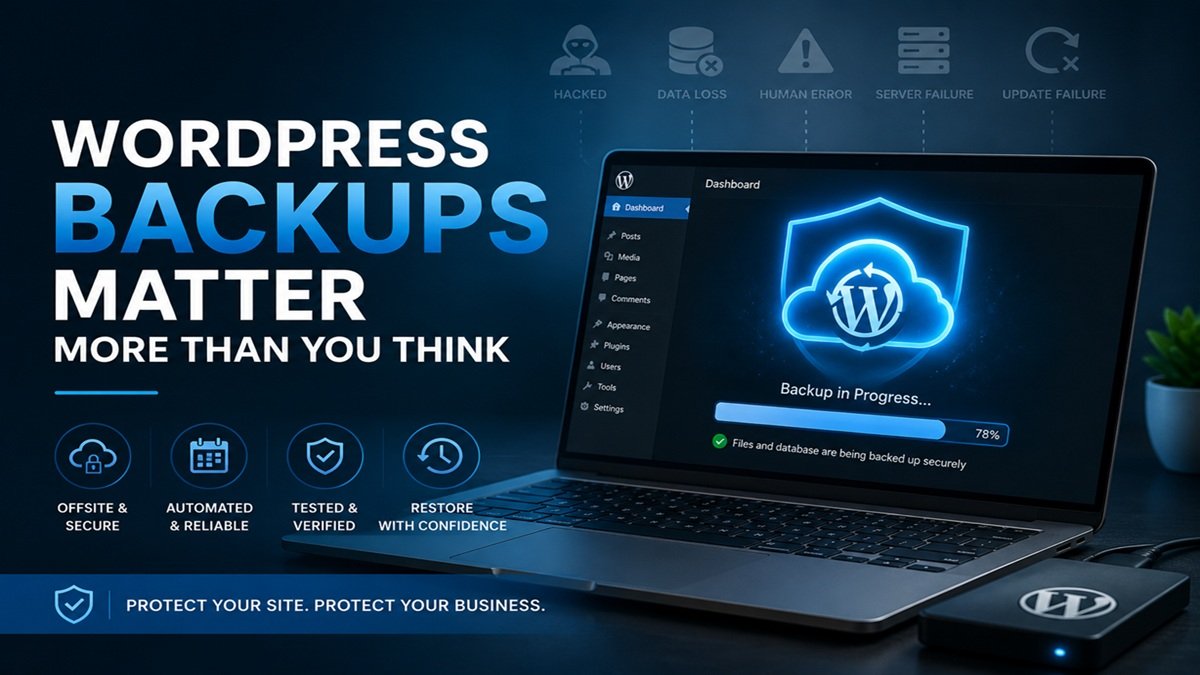
How Regular WordPress Backups Save Your Business
Backups are the safety net that most WordPress site owners know they should have — and that many either do not have at all, have set up incorrectly, or have not tested since they were first configured. A backup system that does not actually work when you need it is arguably worse than no backup system at all, because it creates a false sense of security. Here is what you actually need to know about WordPress backups and why they matter more than most people realise.
The Scenarios Where Backups Save You
Most site owners think of backups primarily in the context of hacking — and yes, a clean backup is essential for recovering from a malware infection or security breach. But the scenarios where a backup becomes critical are considerably broader. A plugin update that corrupts the database. Accidental deletion of pages or products. A hosting provider experiencing hardware failure or data loss. A migration that goes wrong. A developer making changes that break the site. In all of these situations, the ability to restore from a known-good backup is the difference between a minor inconvenience and a serious crisis.
Why Hosting Backups Are Not Sufficient on Their Own
Most hosting providers include some form of automatic backup as part of their packages. Many site owners assume this is sufficient and give backups no further thought. The problem is structural: hosting provider backups are stored on the same infrastructure as your website. If your hosting account is compromised by an attacker, suspended due to a billing issue, or affected by a data center incident, your hosting backups may be unavailable at exactly the moment you need them most. Independent offsite backups stored on a completely separate service — a different cloud provider, entirely outside your hosting account — eliminate this single point of failure.
Backup Frequency: How Often Is Enough?
The right backup frequency depends on how frequently your site changes. For a standard business website where content is updated occasionally, weekly automated backups are a reasonable minimum. For a WooCommerce store processing daily orders, collecting customer information, and updating inventory, daily backups are essential. A useful way to think about frequency: if you had to restore from your most recent backup right now, how much data and how many transactions would you lose? If the answer is uncomfortable, your backup frequency is insufficient.
What a Complete WordPress Backup Must Include
A complete WordPress backup consists of two separate components that are both required for a full restore. The database contains all of your content — pages, posts, products, orders, customer records, settings, and plugin configuration. The files contain everything else — your WordPress core installation, themes, plugins, uploaded images and documents, and any custom code. Backing up only the database leaves you without your theme and plugins. Backing up only the files leaves you without your content. Both components are required, and both should be verified to be complete and restorable.
Testing Your Backups: The Step Most People Skip
A backup that has never been tested restored is a backup of unknown reliability. Backup files can be corrupted during the backup process. They can be stored incorrectly. The restore process itself can fail due to server configuration differences. The only way to know with confidence that your backups will work when you actually need them is to periodically perform a test restore — ideally to a staging environment — and verify that the restored site functions correctly. This step is almost universally skipped by site owners managing their own backups.
Retention: How Long to Keep Backups
Keeping only the single most recent backup is insufficient. If your site is infected with malware that is not immediately detected, your most recent backup may already contain the infection. Having backup history going back two to four weeks gives you the ability to restore to a point before the compromise occurred. Most good backup solutions allow you to configure retention periods — make sure yours is set to keep at least a month of backup history.
A complete WordPress maintenance service handles backups as part of a broader care plan — automated, stored offsite, configured with appropriate retention, and verified regularly. When something goes wrong, the backup is there and ready to use.


