
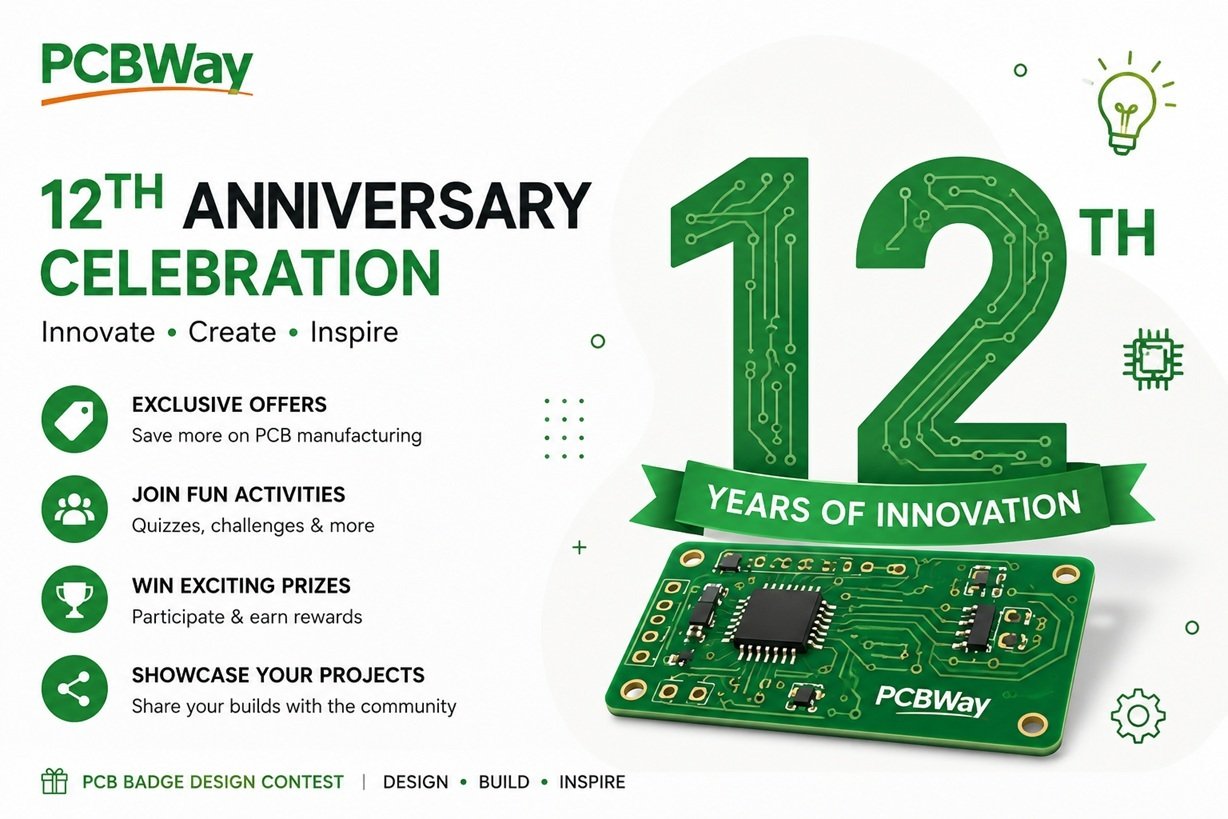
How to Design a Winning PCB Badge for PCBWay’s 12th Anniversary Contest
Printed circuit boards are no longer just functional components hidden inside electronic devices. Today, they have evolved into creative works of art, combining electronics, industrial design, and engineering into compact, interactive creations. This idea is at the heart of the PCBWay 12th Anniversary Badge Design Contest, where makers from around the world are invited to design a unique electronic badge that celebrates twelve years of innovation.
Whether you’re an experienced hardware engineer or designing your first PCB badge, understanding what makes a great design can significantly improve your chances of creating something memorable.
Understanding the PCBWay Badge Design Challenge
The goal of the contest is to design a badge that represents PCBWay’s 12-year journey while demonstrating creativity, functionality, and excellent PCB design practices. A successful badge should not only look attractive but also provide an engaging user experience.
Participants are encouraged to combine artistic PCB layouts with practical electronic features, creating badges that people would be proud to wear at maker fairs, conferences, and engineering events.
Start with a Strong Concept
Every outstanding project begins with a clear idea. Before opening your PCB design software, spend time thinking about the story your badge will tell.
Some creative themes include:
- Artificial intelligence and robotics
- Space exploration
- Cyberpunk technology
- Vintage electronics
- Nature-inspired circuits
- Futuristic engineering
- Open-source hardware
- The evolution of PCB manufacturing over the past twelve years
A unique concept gives your badge personality and makes it more memorable.
Balance Creativity and Functionality
A visually appealing badge is important, but adding interactive features makes it even more engaging. Consider incorporating elements such as:
- Animated LED lighting effects
- RGB LEDs with multiple display modes
- Push buttons for user interaction
- Touch sensors
- Buzzers for simple sound effects
- NFC for sharing contact information or project links
- Small OLED displays for messages or animations
- USB-C for easy programming and power
- Rechargeable battery support
The best designs combine attractive artwork with useful electronic functionality without making the circuit unnecessarily complex.
Design for Manufacturing
An impressive badge should also be practical to manufacture. Keep these points in mind during the design process:

- Maintain appropriate trace widths and clearances.
- Place components logically to simplify assembly.
- Use clear silkscreen labels.
- Avoid unnecessary routing complexity.
- Ensure the PCB outline is easy to fabricate.
- Select components that are readily available.
A design that is both creative and manufacturable is more likely to succeed.
Choose Colors That Enhance Your Design
Modern PCB manufacturing offers a wide range of solder mask colors beyond traditional green.
Selecting the right color can dramatically improve the appearance of your badge. Black, matte black, white, blue, red, purple, and transparent solder masks can all create different visual effects depending on the artwork.
Combining solder mask colors with creative silkscreen graphics can transform a simple PCB into an eye-catching wearable badge.
Document Your Project Clearly
A great design deserves great documentation. Include:
- Project overview
- Design inspiration
- Circuit explanation
- Component list (BOM)
- PCB layout images
- 3D renders
- Assembly instructions
- Source files such as schematics and Gerber files
Well-organized documentation helps judges understand the thought process behind your design and makes it easier for others to reproduce your work.
Common Mistakes to Avoid
Many otherwise excellent projects lose points because of avoidable issues, including:
- Overcrowded PCB layouts
- Excessive power consumption
- Weak project descriptions
- Missing design files
- Poor component placement
- Lack of testing
- Complicated assembly processes
Paying attention to these details can greatly improve the overall quality of your submission.
Think Beyond the Contest
Designing a PCB badge is more than a competition entry—it is an opportunity to develop valuable skills in PCB layout, embedded programming, electronic prototyping, and product design.
The experience gained while creating a badge can be applied to future projects, portfolios, hackathons, and even commercial product development. Many makers begin with a simple badge project before moving on to more advanced embedded systems and IoT devices.
Final Thoughts
The PCBWay 12th Anniversary Badge Design Contest is a celebration of creativity, engineering, and the global maker community. It encourages participants to push the boundaries of PCB design by combining artistic expression with practical electronics.
Whether your badge features animated LEDs, NFC connectivity, a custom-shaped PCB, or a minimalist aesthetic, the most important element is originality. Focus on creating a design that tells a story, functions reliably, and reflects your passion for hardware development.
Great engineering is not just about solving problems—it is also about inspiring others through innovation. A thoughtfully designed PCB badge can do exactly that, making the contest an exciting opportunity for makers of all experience levels.


