
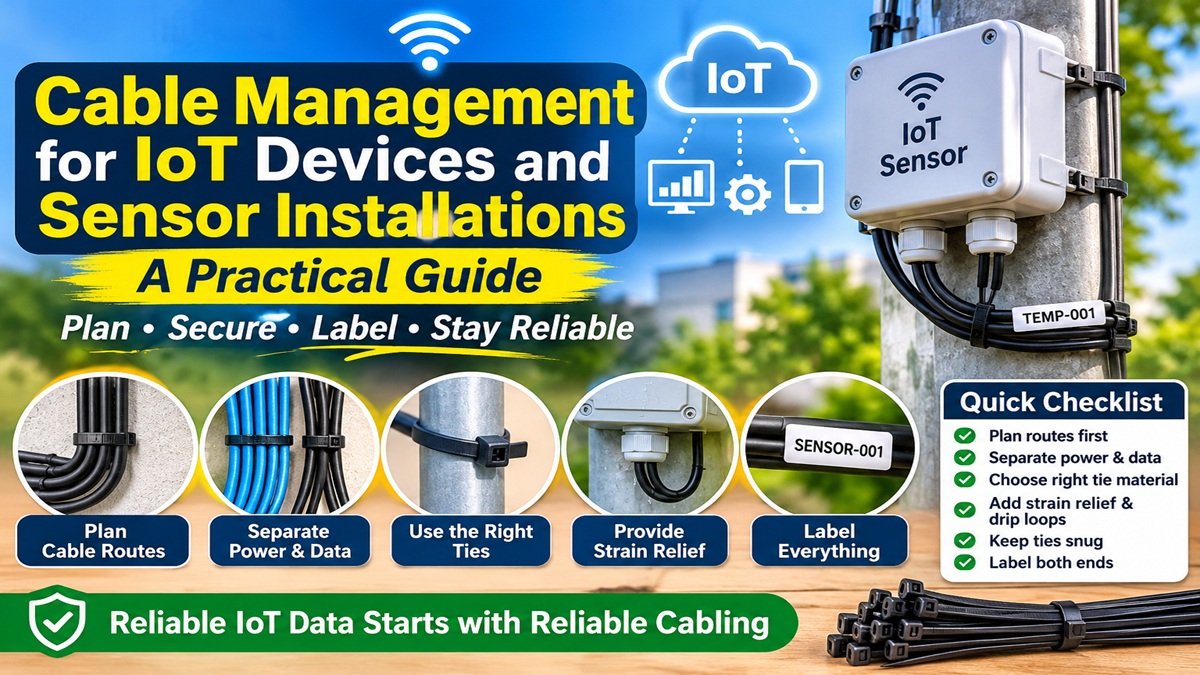
Cable Management for IoT Devices and Sensor Installations: A Practical Guide
IoT projects often look simple on a whiteboard: a few sensors, a gateway and a cloud dashboard. In the field, they turn into dozens of cables running to sensors on walls, ceilings, machines and poles. When that cabling is loose or badly routed, the result is intermittent data, failed sensors and long troubleshooting sessions. Many “software” problems in IoT deployments are really cable problems.
This guide covers practical cable management for IoT devices and sensor networks, and how choosing the right ties from an industrial cable ties supplier helps keep installations reliable for years.
Why cabling matters in IoT
IoT nodes are usually installed once and expected to run unattended for a long time. Common cable-related failures include:
- Loose connectors on sensors, causing data gaps that look like network errors.
- Broken conductors where cables flex near enclosures or moving equipment.
- Water ingress where cables enter outdoor enclosures without proper drip loops or glands.
- Noise on signal lines when sensor cables run alongside power cables.
Most of these can be prevented with simple routing and securing practices.
Plan the cable routes first
Before mounting any device, walk the site and plan where every cable will run. Keep routes short, avoid sharp edges and moving parts, and decide where cables will be fixed. Group sensor cables going to the same gateway so they can be bundled and labelled together.
Separate power and data
Low-voltage sensor cables, RS-485 lines and Ethernet runs are sensitive to interference from mains cables, motors and variable frequency drives. Run them on separate routes or at least in separate bundles, and cross power cables at right angles where they must meet.
Use the right ties for each environment
- Indoor installations: standard nylon 66 ties or reusable hook-and-loop straps work well.
- Outdoor sensors and weather stations: UV-stabilised black nylon ties. Natural nylon becomes brittle in sunlight within months.
- Industrial and high-temperature areas: heat-stabilised nylon or stainless steel ties.
- Inside small enclosures: mini ties, around 2.5 mm wide, with adhesive or screw mounts.
Give every connector strain relief
The weakest point in most IoT installations is where a cable meets a connector or enters an enclosure. Fix the cable to a mount or support close to the connector, leaving a small amount of slack, so that any pull on the cable is taken by the tie rather than the solder joint or terminal. On outdoor enclosures, form a drip loop below the cable gland so water runs off before reaching it.
Do not over-tighten
Pulling ties too tight can crush thin sensor cables and Ethernet pairs, causing intermittent faults that are hard to trace. Ties should be snug, not tight. Cut tails flush with a flush cutter so there are no sharp edges near people or other cables.
Label everything
Label both ends of each cable with the sensor ID used in your IoT platform. When a dashboard shows a faulty node, the technician on site can go straight to the right cable instead of tracing wires by hand.
Scaling up: from prototype to deployment
A prototype might use a handful of ties from a hobby kit, but a deployment across hundreds of sites needs a consistent bill of materials. Standardising on a few tie sizes and materials simplifies installation kits and stock control, and buying in volume from a dedicated nylon cable ties factory keeps material quality consistent from batch to batch. Request samples and test them in your real installation conditions before rolling out.
Quick checklist
- Cable routes planned before mounting devices
- Power and data cables separated
- Tie material matched to indoor, outdoor or industrial conditions
- Strain relief and drip loops at every enclosure
- Ties snug, not crushing cables; tails cut flush
- Both ends of every cable labelled with the sensor ID
Conclusion
Reliable IoT data starts with reliable cabling. Planning routes, separating power and data, choosing the right ties for each environment and providing strain relief at every connection will prevent many of the faults that otherwise show up as missing or noisy sensor readings. “es article ka featured image bna do
“


