
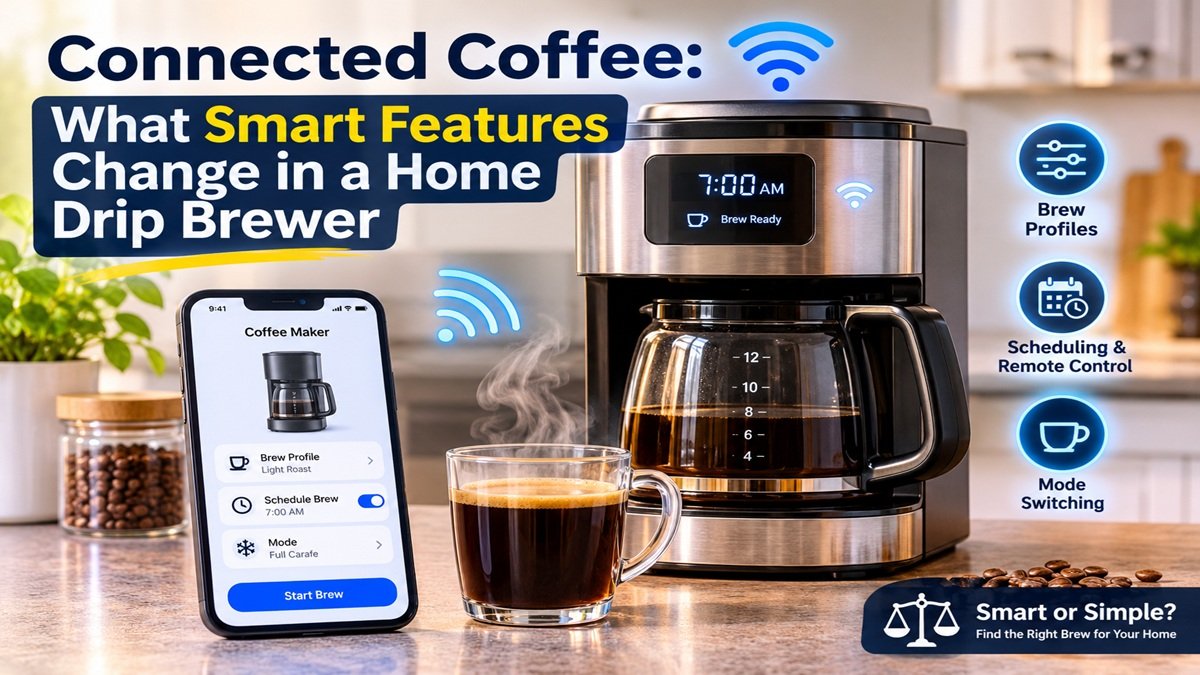
Connected Coffee: What Smart Features Change in a Home Drip Brewer
The kitchen counter has quietly become one of the busiest places for connected devices. Thermostats, plugs and speakers got there first, and now the drip coffee maker is joining them: app-controlled brewers promise saved recipes, scheduled brews and fine control over how water meets coffee. At the same time, some of the most respected drip machines on the market have no software at all.
For anyone who follows IoT, this is an interesting test case. What does a network connection add to a task as old as brewing coffee, and what does it cost?
What “smart” means in a drip brewer
In most connected coffee makers, the intelligence sits in three places.
Brew profiles. Instead of one fixed program, the machine stores parameters such as water temperature, bloom time and the way water is pulsed over the grounds. A profile tuned for a light roast can be saved and recalled the next day with the same result.
Scheduling and remote control. A companion app or an on-device clock starts the brew at a set time, so a carafe is ready when you wake up.
Mode switching. One machine handles a single mug, a full carafe and sometimes cold brew, changing water volume and timing for each.
None of this is new in principle. Programmable timers have existed for decades. What changes is the granularity: settings that used to need a gooseneck kettle and a scale become stored data the brewer replays.
The trade-off: repeatability versus a larger failure surface
Every layer of software adds a dependency. A brewer that relies on an app inherits the usual IoT problems: firmware updates, pairing issues after a phone OS update, a clock that resets after a power cut, a schedule that silently fails because a sensor reported the wrong state. For a lamp, that is a minor annoyance. For the first coffee of the day, it is more noticeable.
Mechanically simple brewers avoid this. A power switch and a volume selector cannot lose a Wi-Fi connection, and the machine behaves the same way for every person in the household. The price is that the brewer never gets new features, and you cannot adjust the extraction if you change beans.
This is the same decision people face across the connected home: do you want a device that can be tuned and automated, or one that does a single job with nothing to configure?
A concrete example: Fellow Aiden and Technivorm Moccamaster
Two well-known machines show the split clearly. The Fellow Aiden is built around the profile idea: a screen, a dial and an app manage recipes, it brews single cups or batches, and it supports cold brew. Its thermal carafe holds coffee without a hotplate. The Technivorm Moccamaster KBGV Select sits at the other end: a metal-bodied machine with a power switch and a brew-volume selector, a glass carafe on a warming plate, and a long reputation for consistency.
If you want to see how these two compare across brew control, holding temperature, build and maintenance, a side-by-side look at the Fellow Aiden and Moccamaster walks through the differences point by point.
The short version is that neither is better in general. The Aiden suits people who switch coffees often and want to repeat a result exactly. The Moccamaster suits households that make the same pot every morning and prefer nothing to configure.
How heat is handled after brewing
One detail that rarely appears in spec sheets is what happens after the brew finishes. A warming plate keeps applying heat to the carafe, which keeps coffee hot but gradually flattens its flavor over an hour or more. A thermal carafe stores heat without adding energy, which tends to preserve aroma for people who pour slowly over the morning.
This is a hardware choice rather than a software one, and it often matters more to taste than any app feature.
Questions to ask before buying a connected brewer
- Do you change beans or roasts often? Saved profiles pay off mainly when you need different settings.
- Will you use scheduling? If you brew by hand every morning, the app may add complexity without benefit.
- How many people use the machine? Shared kitchens favor simple controls everyone understands.
- What happens offline? Check whether the brewer works fully from its own controls if the app or network is unavailable.
- How is coffee kept hot? A thermal carafe and a warming plate lead to different results after the first half hour.
- What does maintenance involve? Descaling intervals and filter types differ between machines.
The takeaway for the connected home
Coffee makers follow the pattern seen across smart home devices: connectivity is most useful where it removes repetitive manual work or makes a result reproducible, and least useful where the analog version already works reliably. Before choosing a brewer, decide which of those you value more. The right machine follows from that answer, not from the feature list.


