
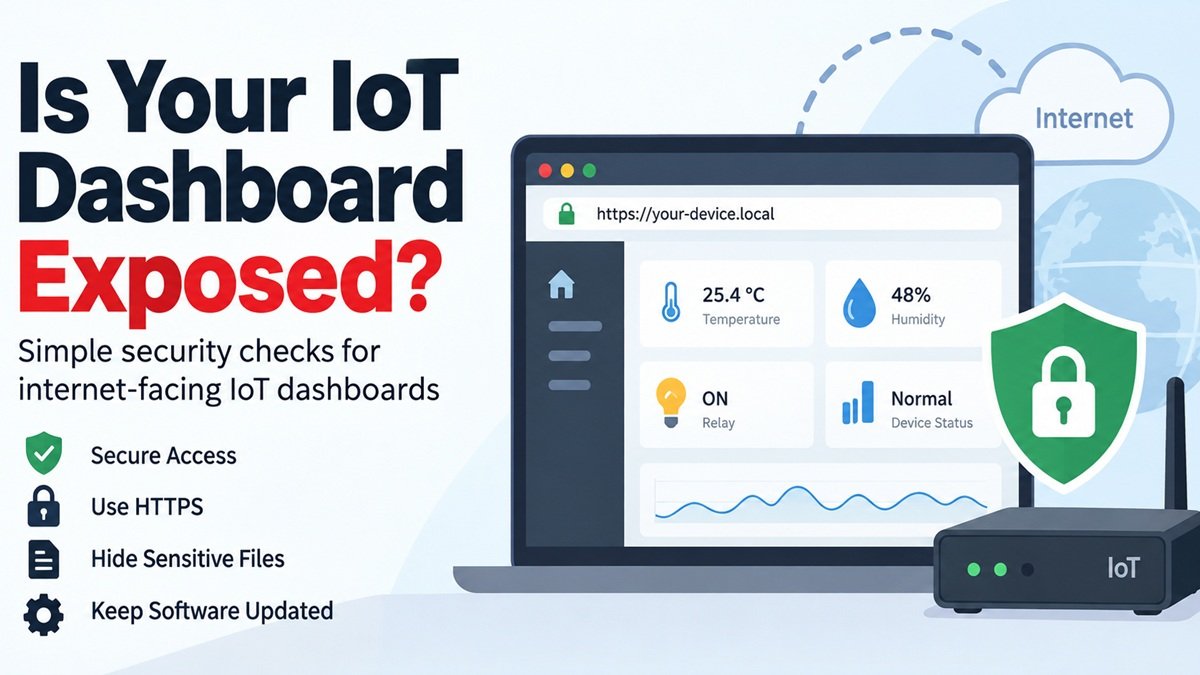
Security Checks for the Public Web Interface of an IoT Dashboard
Every IoT project eventually grows a dashboard. It starts as a page showing sensor readings on the local network, someone adds a port forward so it can be checked from a phone, and it is now an internet-facing web application maintained by whoever had time. That is an entirely normal path and it is where most device-side security problems begin.
The checks below are specific to that situation: a small web interface, probably hand-rolled or built on a lightweight framework, exposed to the public internet.
Start with what it gives away
Device dashboards leak more than conventional web applications because they are usually deployed by copying a directory. The things that end up reachable:
• .git
directories from a
git clone
-based deployment — which expose your entire source history, including any credential ever committed.
• .env
files with API tokens, MQTT credentials and database passwords.
• Configuration backups,
config.json.bak
, editor swap files.
• Firmware images and update archives left in a web-served directory.
• Directory listings, enabled by default on several lightweight servers.
Automated crawlers probe for exactly these paths on every new host they find, so discovery is not a question of being targeted. Checking what is reachable from outside — the same view those crawlers get — is the first thing to do, and exposed files and directories is the category to look at first.
Authentication, honestly assessed
Three questions:
- Are the default credentials still there? Including the ones in the documentation, the ones in the example config and the ones your own setup script writes.
- Is every endpoint protected, or only the HTML page? A dashboard that requires a login to view but exposes
/api/statusand/api/relay?state=onunauthenticated is not protected. This is extremely common: auth gets added to the page, not to the data layer. - Is there any rate limiting? A four-digit PIN with unlimited attempts is not a secret.
Transport
Plain HTTP on a public interface means the credentials go across the network in clear text. Certificates are free and automatable; the only real obstacle is that many embedded stacks make renewal awkward. If the device genuinely cannot terminate TLS, put a reverse proxy in front of it and do not expose the device directly.
Self-signed certificates are worse than they look here, because they train everyone using the dashboard to click through warnings.
Headers and cookies
The usual set applies, and a minimal dashboard usually has none of it: a content security policy, X-Content-Type-Options, frame protection, and session cookies carrying Secure, HttpOnly and SameSite. On a dashboard with control functions, missing frame protection means a clickjacking page can operate your relays through a logged-in browser.
The control-endpoint problem
Dashboards that do something — open a door, switch a heater, reset a device — need two things that read-only dashboards do not:
| Requirement | Why |
|---|---|
| State changes on POST, never GET | A GET endpoint can be triggered by an image tag on any page |
| CSRF protection on every action | Otherwise any site can act as the logged-in user |
| Server-side authorisation per action | Hiding the button in the UI is not access control |
| An audit log | You will want to know what happened and when |
Dependencies
Device dashboards are frequently built once and never updated. Check the versions of any front-end libraries you serve, and any server-side framework, against known vulnerabilities — then set a reminder, because this is the check that silently expires.
The better answer for most projects
Ask whether the dashboard needs to be on the public internet at all. A VPN or a private overlay network gives you remote access without exposing the interface, and for a personal or small-deployment project it is usually less work than doing the hardening properly. Port forwarding is the convenient option and the expensive one.
If it must be public, run the checks above, then run them again after every firmware or dependency update — embedded deployments drift more than server ones, because nobody is watching.


