
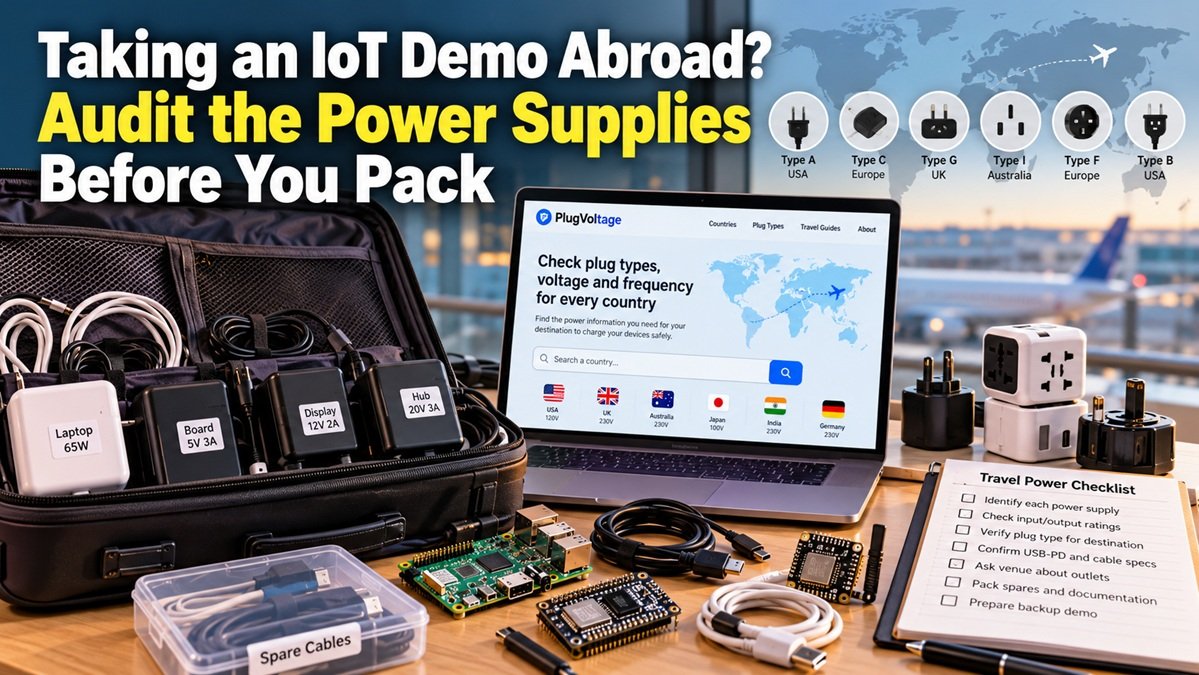
Taking an IoT Demo Abroad? Audit the Power Supplies Before You Pack
A development board that works perfectly on your desk can become a difficult travel companion when its power supply, cables and adapters end up in different bags. For an overseas workshop or hardware demonstration, preparing the software is only half the job. You also need a power inventory that somebody else can understand when the room is full and the presentation is about to start.

PlugVoltage interface. Screenshot of the actual website.
A travel reference such as PlugVoltage can help organise the country and plug checks. Treat it as preparation support: the actual power-supply label, equipment manual and venue information remain the basis for deciding what to connect.
Map the complete power chain
Start at the wall and follow every connection to the board. A typical demonstration may involve an AC adapter, a USB-C hub, a laptop, a development board and several peripheral modules. Another setup may have a separate supply for a display or actuator. List each independent mains-powered item rather than recording the entire collection as “one IoT kit”.
Photograph the model number and AC INPUT label on each supply. Keep the images alongside your wiring notes, not inside a chat thread that becomes impossible to search. Record which cable belongs to which supply. A connector that fits is not proof that the output voltage, polarity, current capability or charging protocol is appropriate.
Separate mains compatibility from board requirements
The AC INPUT rating describes the electricity accepted by a mains power supply. Its OUTPUT rating describes what that supply delivers downstream. Those are different checks. An input range covering the destination supply does not establish that a replacement adapter is correct for your board.
Likewise, USB-C describes a connector family; it does not guarantee that every port and cable can deliver the power your demonstration needs. Confirm the required USB Power Delivery profile, cable specification and manufacturer-approved powering method. Avoid powering an unfamiliar board through several paths unless its documentation explicitly supports that arrangement.
Ask the venue useful questions
Contact the organiser with a short list: which outlet types are available at the demonstration tables, whether the outlets provide the grounding your equipment requires, and what equipment the venue allows. Ask about the actual room rather than assuming every building follows a country-level reference exactly.
If your setup requires specialist mains equipment, arrange suitable local provision through the venue. A travel plug adapter changes the mechanical connection; it does not resolve a voltage or frequency mismatch. A transformer or converter also needs equipment-specific assessment. Do not turn a complex compatibility problem into an improvised extension-lead project.
Pack for recovery, not just the ideal run
- Label supplies and cables with the device they serve.
- Keep one complete, documented demonstration path together.
- Carry offline copies of slides, configuration notes and essential instructions.
- Bring compatible spare low-voltage cables that you have already checked.
- Prepare a recorded demonstration in case the venue cannot provide suitable power.
Before departure, perform a normal bench run using the exact cables and supported supplies you plan to carry. This checks that the kit is complete; it does not simulate or certify the foreign mains supply. On arrival, inspect the equipment and outlet conditions before connecting anything.
The most useful travel accessory for a hardware demo is often a clear one-page inventory. When every supply has an identified job and every uncertain item has been resolved before departure, the team can spend its workshop time explaining the project instead of searching for a mystery charger.


